



Join our virtual fitness community and move with us from the comfort of your home — or wherever life takes you. With over 20 weekly classes, together, we’ll stay strong, connected, and inspired.

Fees:

If taking an online class is new for you – we’ll provide step-by-step instructions to help you get connected. We’ll make it a snap!
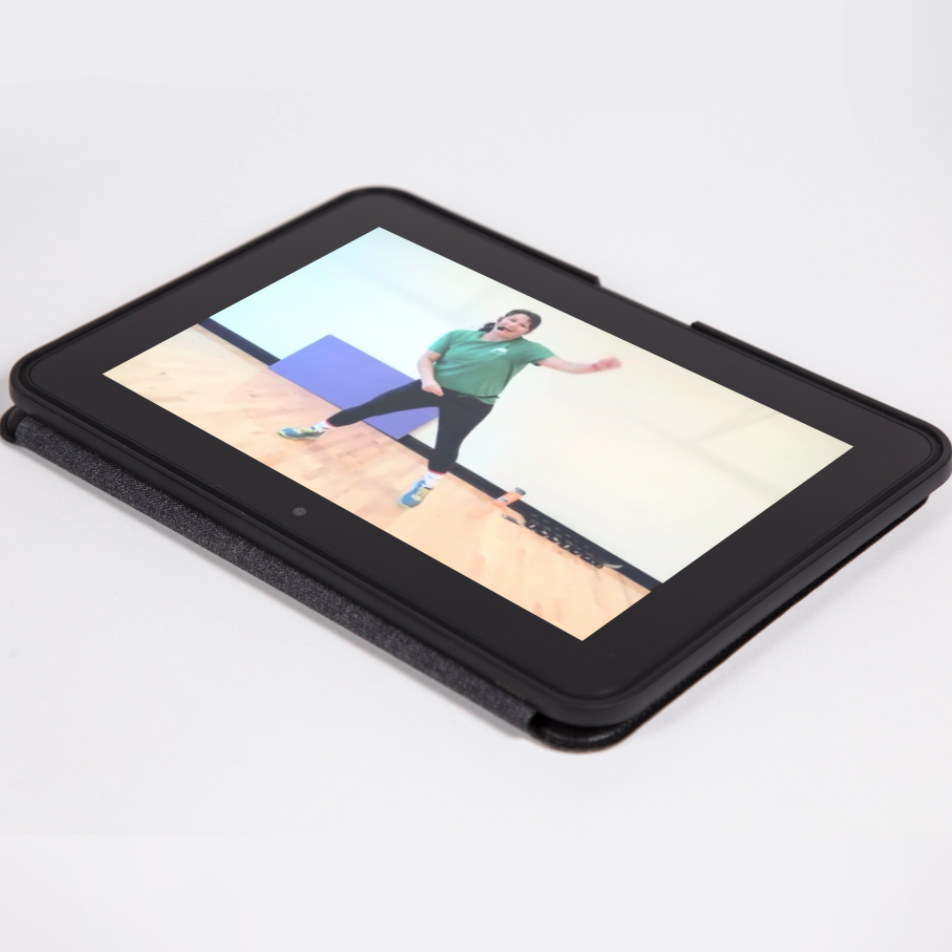

About Your Virtual Fitness Class


Your class is online. The class is brought to you using Zoom, a web-hosted video conference application. You will need a computer and internet to participate.

  • Registration is for one virtual class for one person, unless otherwise specified.
  • Use your Fitness, Swim & Skate Pass, Virtual Fitness Pass or pay the single class fee.
  • Registration is available from 21 days prior up until 60 minutes before class start time.
  • At least 30 minutes prior to class, you’ll receive a Zoom meeting link via email to participate during the class date/time listed. You will also receive step-by-step instructions to help you get connected.
  • Instructors will record attendance. Do not share the link or meeting information, or invite others to participate.
  • If you’re a insurance-reimbursed pass holder, virtual fitness classes are not eligible under your provider’s program.

Virtual Registration Instructions


  1. Scroll down to the calendar below to view the Virtual Fitness Schedule and select a class that works best with your schedule and fitness needs.
  2. Click on the class on the calendar, the link will take you to the registration webpage.
    1. Patrons can register for a class up to 21 days in advance and up until 60 minutes prior to class start time.
  3. Click the plus sign, then add to cart. Login or create an account. Select who on the pass will be taking the class and press continue after reading the waiver. Complete the purchase.
  4. You will receive a class registration receipt via email. The link to the virtual class will be emailed to you at least 30 minutes prior to class.

How to Register for Multiple Classes

  1. To register for more than one class at a time, go to register.bendparksandrec.org
  2. Click on Fitness & Wellness, then click on Virtual Fitness and continue with the same instructions as above.

Class Requirements


To participate, you must have the following:

  • Access to a computer with current, updated operating system. Some newer mobile devices can be used to access classes, such as an iPad, tablet or smart phone.
  • A high-speed internet connection.
  • An up-to-date internet browser. Firefox or Google Chrome are recommended.
  • Integrated or USB-connected webcam, speakers and microphone; although, you may view the class on your computer or mobile device without a web cam and microphone.
  • The Zoom link you will be emailed prior to the class starting.

Weights and Safety


While weights and bands might be used by instructors, they are optional for your workout. If you would like additional weight or resistance, consider using weighted household items, such as canned foods and water bottles. Ensure your workout space has plenty of room and is clutter-free. Consider your own health and comfort level. As with any exercise program, if at any point during your workout you feel faint, dizzy, or have physical discomfort, you should stop immediately.

screenshot of a virtual fitness class on a tablet

Customer Service Hours:

Mon - Thu: 5:30 am  - 9:00 pm
Fri: 5:30 am - 8:00 pm
Sat: 8:00 am - 6:00 pm
Sun: 8:00 am - 6:00 pm

Questions? Contact:

Customer Service
General Inquiries: (541) 389-7275